01
Followers or following
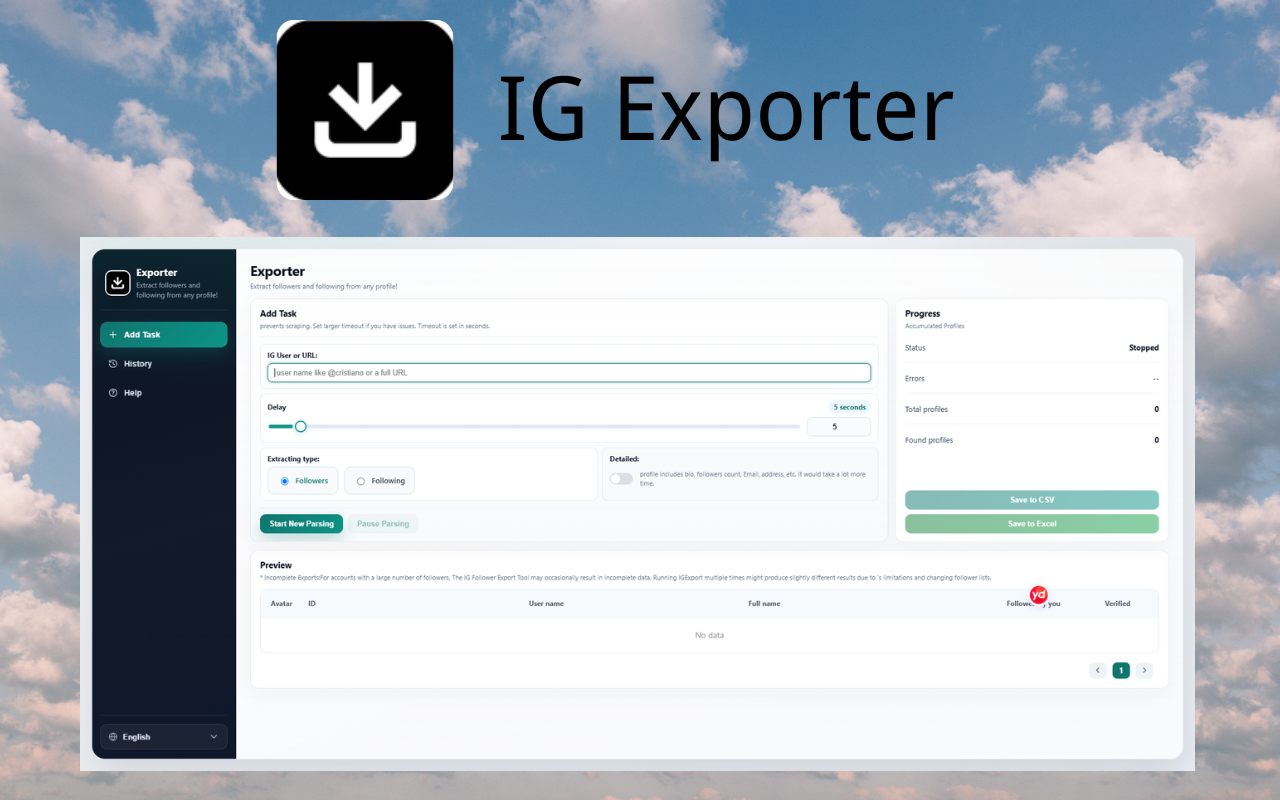
Pick either list from a username or a profile URL and download it as a spreadsheet.
Chrome extension
IG Exporter saves a public followers or following list to CSV or Excel. The file is downloaded to your computer.
Use a fast export, or switch on detailed mode for bio, public contact fields, and profile counts. One run can include up to 50,000 profiles.
 4.8126 ratings · Chrome Web Store reviews
The Chrome Web Store listing is named IG Follower Export Tool.
50,000
profiles per export
CSV / Excel
spreadsheet files
On device
lists stay local
Built for audience research and outreach planning. Only export profiles you are allowed to view.
01
Pick either list from a username or a profile URL and download it as a spreadsheet.
02
Add biography, public email, phone, website, and follower counts when Instagram shows those fields.
03
Columns are structured so the file opens in current spreadsheet apps without extra cleanup.
04
If Instagram slows the session, cooldown mode waits and lets you continue the same export.
Install the extension from the Chrome Web Store.
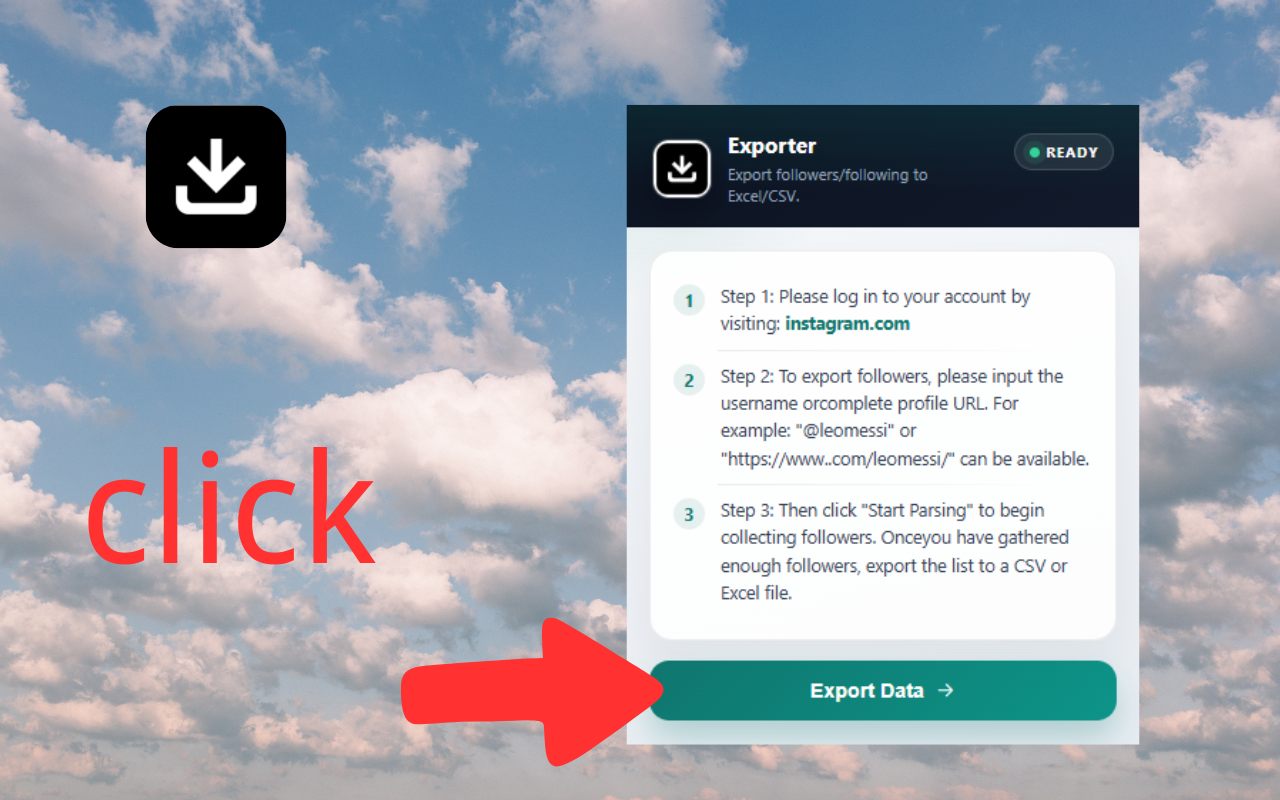
Open Instagram in Chrome and sign in.
Enter a username or profile URL, then choose fast or detailed mode.
Start the export and download the CSV or Excel file when it finishes.
Detailed mode can include identity, counts, and public contact fields that are visible in your browser session.
The popup walks through the export. The options page is where you choose the list, the mode, and the file.
4.8 out of 5 from 126 ratings.
“wow such a great extension!”
“A very helpful chrome extension”
“very good”
“Goodjob”
“Helpful”
“good”
“good”
Quotes below are copied from public Chrome Web Store reviews.
Try an export first. Pro removes the export cap. Payment is completed inside the extension, not on this website.
$0
$9.99/ month
$79.99/ year
About $6.67 / month, billed yearly
No. Install the extension, sign in to Instagram in Chrome, and run the export from the popup.
Chrome saves the CSV or Excel file to your downloads folder. Follower lists are not uploaded to our servers.
One export can include up to 50,000 followers. Detailed mode reads more fields, so it takes longer than a fast export.
No. IG Exporter is an independent Chrome extension. It is not affiliated with Instagram or Meta.
Open the Chrome Web Store listing, add the extension, and export a list from a profile you can already view.
Install for ChromeUse it within Instagram’s rules
Do not use your main account for heavy automated exports. Follow Instagram’s terms and applicable privacy laws when you keep or share exported data.